
Print this article Edit this article
Anaconda and additional packages
Purdue IT has packaged Anaconda Python version 2024.x which can be installed on domain clients. Anaconda comes with Python 3.x, has over 200 commonly-used packages, and can download over 1000 additional packages. In order to download packages that are not included in our installation, a mini environment must be setup within a user's home directory. The following describes the steps to create this mini environment.
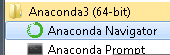
1. Launch Anaconda Navigator
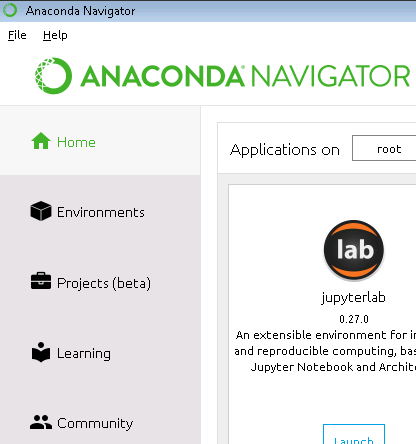
2. Cick on Environments on the left-hand side
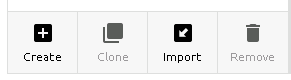
3. Click on Create near the bottom left
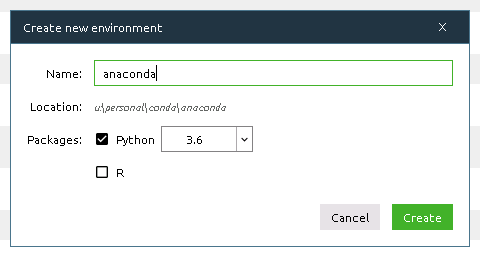
4. Enter a name for your environment. The folder "U:\Personal\conda\<foldername>" will be created for you
5. The mini environment will be copied to your home directory. The one-time process may take 5 minutes or more. The progress bar near the bottom right will scroll while the files are being copied.

6. Click on the name of your environment to use it. To switch back to the default installed environment, click on "root".
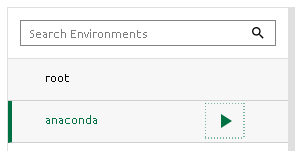
Once the environment is set up, see https://docs.anaconda.com/anaconda/navigator/tutorials/manage-packages/ for information on installing packages.
More information about Anaconda can be found at the following link:
Last Modified:
Nov 24, 2025 10:08 am US/Eastern
Created:
Nov 17, 2017 1:11 pm US/Eastern
by
admin
JumpURL: