
Logging in and navigating the Zope Management Interface
< Back to Engineering Zope Tutorials
You need javascript enabled and the Flash plugin to view this content.
Logging into the administrative interface
- Load your web site within your web browser
- Append /edit to the URL in your browser's location bar, press enter
- Login using your Purdue Career Account username and password
After logging in you will see a list of the files and folders which make up your website.
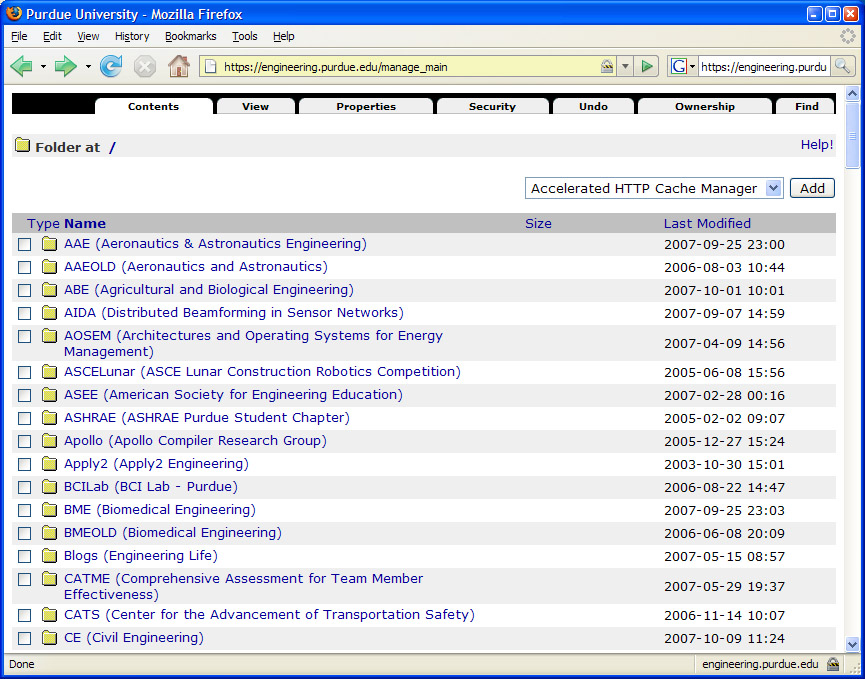
Click on a folder, to browse into that folder.
To move up a folder, click on a link in the breadcrumbs. Breadcrumbs are a set of links at the top of the screen when show your current location.

To browse to a higher level folder, click on the name of the higher level folder you would like to return to.