The Delete Input Scenario Dialog 
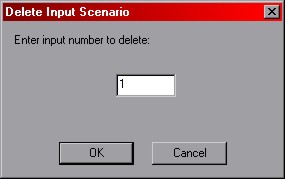
Notes on the Delete Input Scenario Dialog
input number -- this number corresponds to the ID number of the entry in the
analysis queue you wish to delete. Only a single entry may
be deleted at a time. Specifying a number that does not exisit in the queue will do nothing.
OK / Cancel -- clicking 'OK' will delete the entry specified from the queue.
Clicking 'cancel' will do nothing. Both buttons return you to the main interface.
 Previous
 Next
Next