The Cone and Calibration Chamber Data Dialog
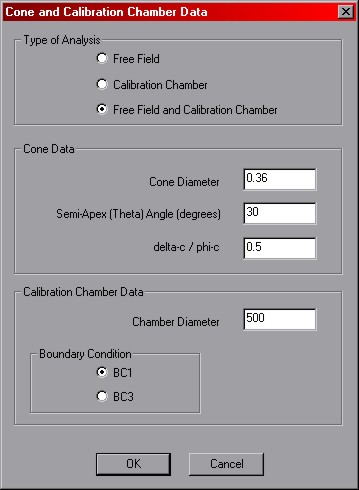
Notes on the Cone and Calibration Chamber Data Dialog options
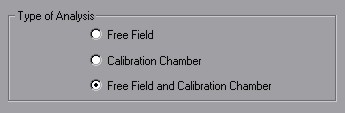
Free Field and Calibration Chamber -- selecting the 'Free Field and Calibration Chamber'
option will add two scenarios to the input scenario queue,
one for each computation type.
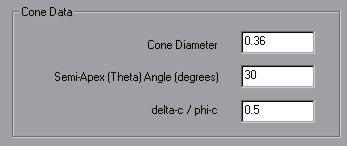
Cone Diameter -- must be in units consistent with the
reference stress specified in the
The Soil Model Properties Dialog.
This parameter is only used for calibration chamber computations.
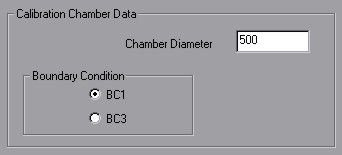
Chamber Diameter -- must be in units consistent with the
reference stress specified in the
The Soil Model Properties Dialog.
This parameter is only used for calibration chamber computations.
BC1 / BC3 -- BC1 corresponds to a constant stress boundary condition in the calibration chamber.
BC3 corresponds to a no displacement boundary condition in the calibration chamber.
OK / Cancel -- clicking 'OK' will store the present settings in memory for the next time
an input scenario is added. Clicking 'cancel' will do nothing. Both buttons return you to the
Add Analysis Scenario Dialog.
 Previous
 Next
Next