The Soil Model Properties Dialog
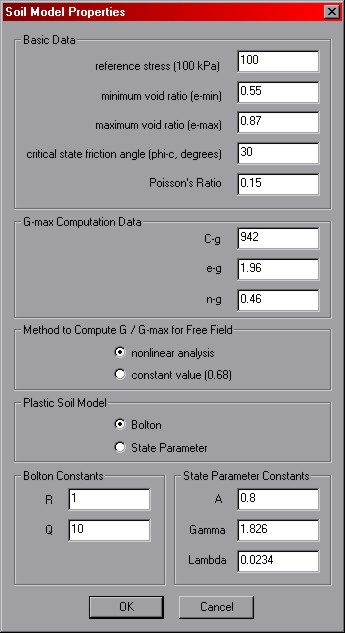
Notes on the Soil Model Properties Dialog options
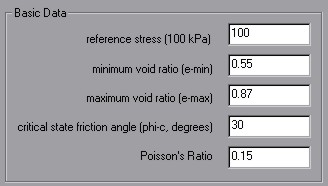
Reference Stress -- This value must be equal to 100 kPa in whatever
units you choose. All paramters having units must be consistent with this value.
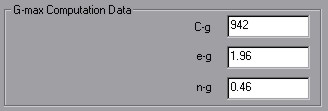
Gmax Constants -- These constants are used to compute Gmax for the elastic zone computations.
The expression by
Hardin and Black (1968) is used to compute Gmax.
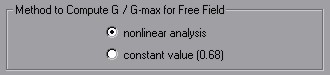
nonlinear analysis -- For free field computations, you have an option of specifying a constant value
instead of using the full nonlinear analysis. For calibration chamber modeling, only nonlinear analysis is
used.

Bolton / State Parameter model -- Only the model you select will be used, so you only need to specify
constants for the selected model.
OK / Cancel -- clicking 'OK' will store the present settings in memory for the next time
an input scenario is added. Clicking 'cancel' will do nothing. Both buttons return you to the
Add Analysis Scenario Dialog.
 Previous
 Next
Next