
3D Printing Lab Information
The i2i 3D Printing Lab is run by the Purdue 3D Printing Club (3DPC) and gives students access to resin and filament printers for turning CAD designs into physical parts.
Location
ARMS B098, inside the Demonstration Studio
Hours
Monday to Friday, 9 a.m. to 4:30 p.m.
Closed national holidays and breaks
Contact
Hours are subject to change with little or no notice due to staffing or other unforeseen issues.
Available Printers
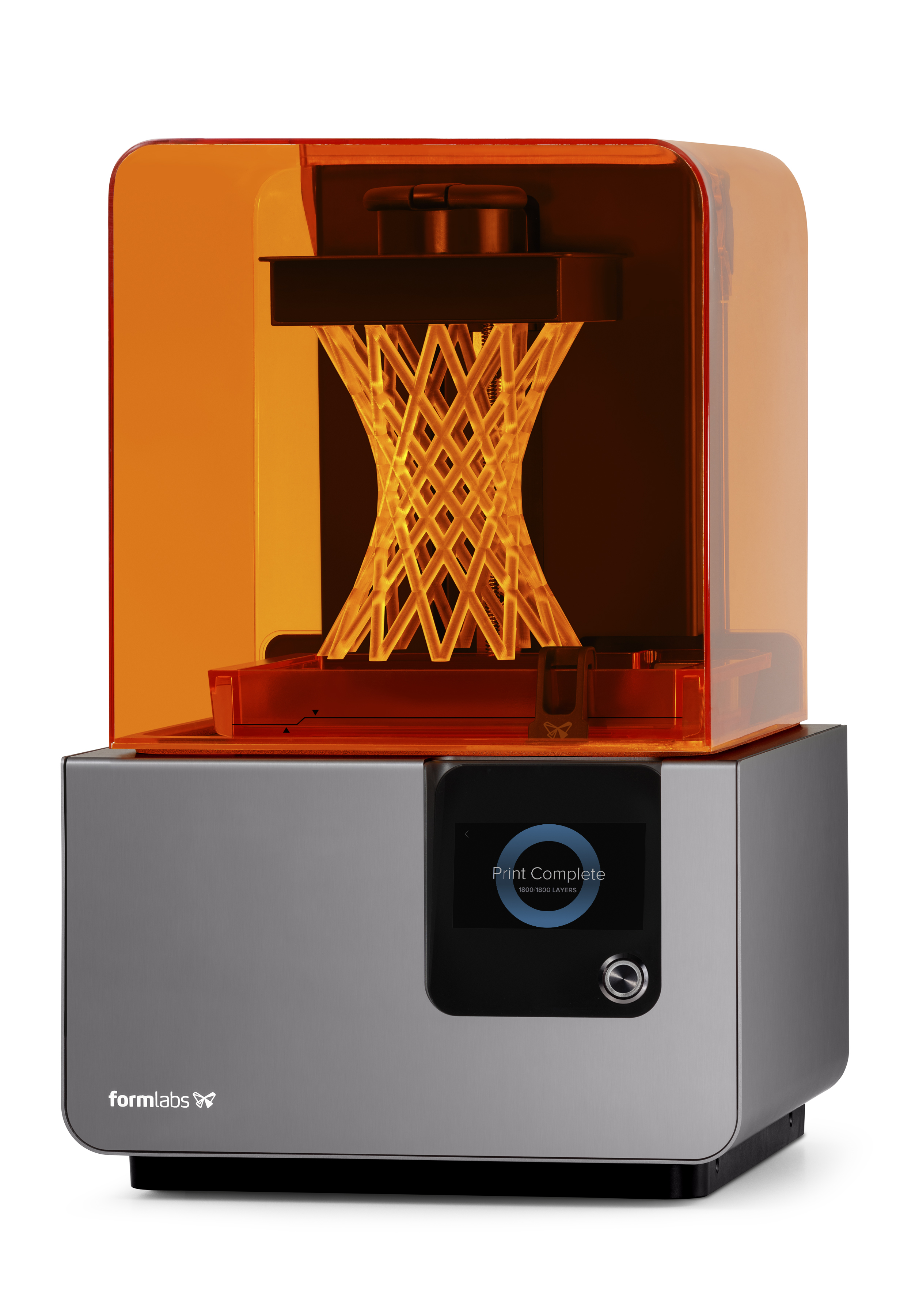
Form 2 (2 printers)
Method: Laser-cured liquid resin
Build size: 145 x 145 x 175 mm
Resolution: 25 to 100 microns
Polar 3D (6 printers)
Method: Fused filament fabrication (plastic filament)
Build size: 203 mm diameter x 152 mm height
Resolution: 100 to 320 microns
Printrbot Plus (1 printer)
Method: Fused filament fabrication (plastic filament)
Build size: 254 x 254 x 254 mm
Resolution: 100 to 300 microns
Printing Costs
Filament printing is charged by the weight of material used, including model and support material. Form 2 printing is charged by resin volume.
| Printing Type | Cost |
|---|---|
| PLA/FDM printing, 3DPC members | Unlimited, once dues are paid |
| PLA/FDM printing, non-members | $0.10 per gram |
| Form 2 resin printing, everyone | $0.15 per mL |
| Bring your own material | No charge |
- Resin is significantly more expensive than PLA and other plastics.
- 3DPC reserves the right to decide whether material you bring is safe to use in the desired printer.
- Design is an iterative process. You will be charged for all parts printed, including those that turn out unusable.
Materials and Files
Materials Stocked
- PLA filament, assorted colors
- ABS filament, assorted colors
- Form 2 resin: clear, black, and specialty
Model Files
The printers require STL (standard triangulation language) files. Most major CAD platforms can export to STL. Please save STL files in millimeters.
Before You Print
Printing Time
Print time depends on the size and complexity of your parts, their solid density, the resolution, and how many objects are on the build platform. Leave yourself time to get the print settings right. Don't wait until the day before your deadline to start a 24-hour job.
Cleaning Parts
After printing, parts need to be cleaned to remove support material. You are expected to do this yourself, not 3DPC staff or lab supervisors. The equipment you need is provided in the lab.
How to Submit a Project
- Fill out the Job Submission Form. This tells us who has a job, when it's needed, and how to reach you. You can't print until this form is complete.
- Upload your files to our Dropbox. Fill in the fields and attach your STL files, plus any other CAD models you'd like stored there. Give them unique, descriptive names so you can find them in the lab. You can view your uploaded files here.
- Come in to the lab. Allow time for a brief safety introduction if you haven't used the printer before, plus time to get your print started.
- Pick up your part. Staff will remove your job from the printer when it's finished unless you ask to do it yourself. 3DPC may still need to remove it if someone else is waiting for the printer.
About the 3D Printing Club (3DPC)
Most questions can be answered on the club website at purdue3dpc.org. For anything else, email print3d@purdue.edu.